How to Host Bingo Online
Your complete guide to running virtual bingo parties that people actually enjoy
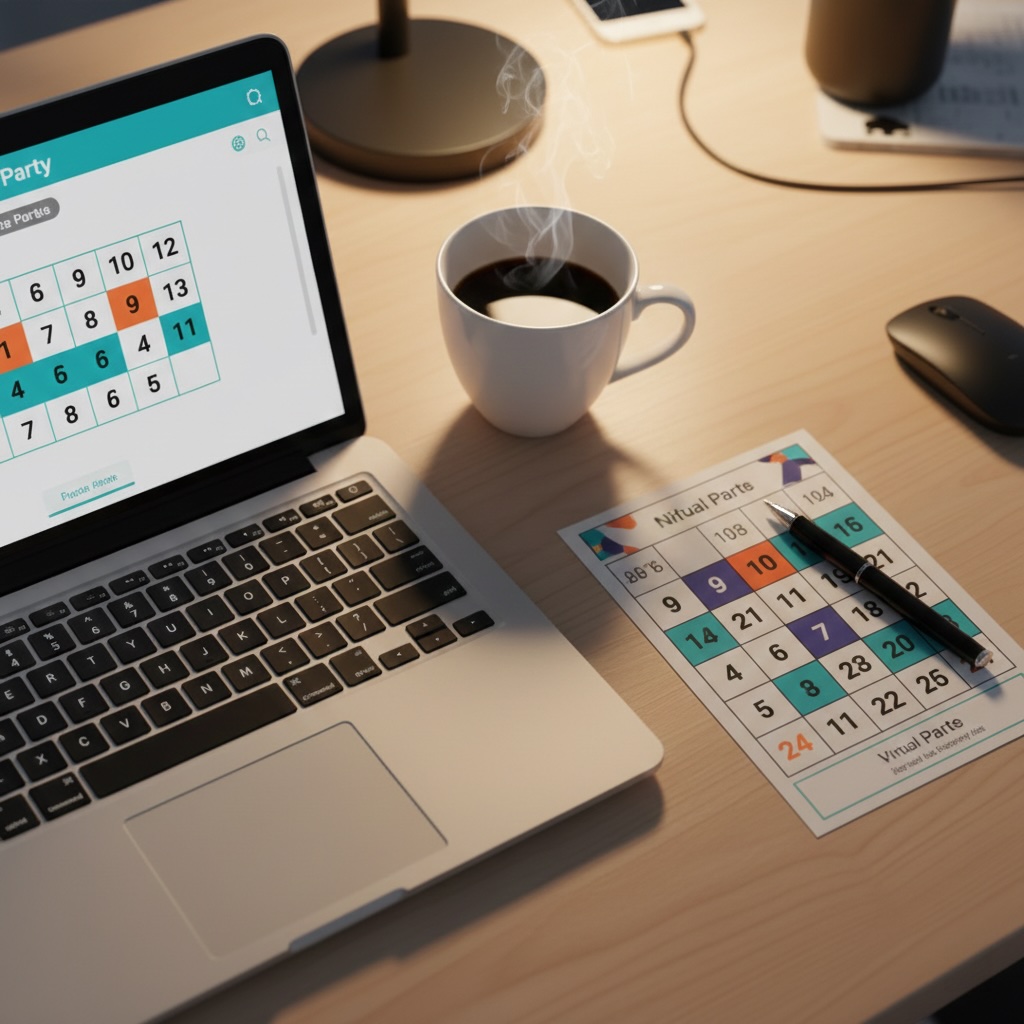
Remember when "virtual party" sounded like an oxymoron? Yeah, me too. But after hosting dozens of online bingo games for everything from remote team building to family reunions, I've learned it can actually be really fun—if you do it right.
The key isn't fancy software or expensive tools. It's about keeping things simple, being organized, and knowing a few tricks to keep people engaged. Let me walk you through exactly how I do it.
●What You'll Need (The Basics)
Good news: you probably have most of this already.
- 💻A video conferencing platform— Zoom, Google Meet, or Microsoft Teams all work great
- 🎲Bingo cards for each player— Send PDFs ahead of time or share screen during the game
- 📢A way to call numbers— Online random number generator or our built-in caller tool
- 🎁Prizes (optional but recommended)— Gift cards work perfectly for virtual events
●Step-by-Step: Setting Up Your Virtual Bingo
Step 1: Create Your Bingo Cards
This is where most people overthink it. Here's what I do:
- Use our virtual bingo generator to create 20-30 unique cards
- Download them as a single PDF
- Email the PDF to all players 24 hours before the game
- Ask them to print their card OR just have it open on their phone/tablet
Pro tip: Include a note in your email: "Don't worry if you can't print it—you can mark squares on your screen with a screenshot tool or just use a pen and paper to track."
Step 2: Choose Your Calling Method
You've got a few options here:
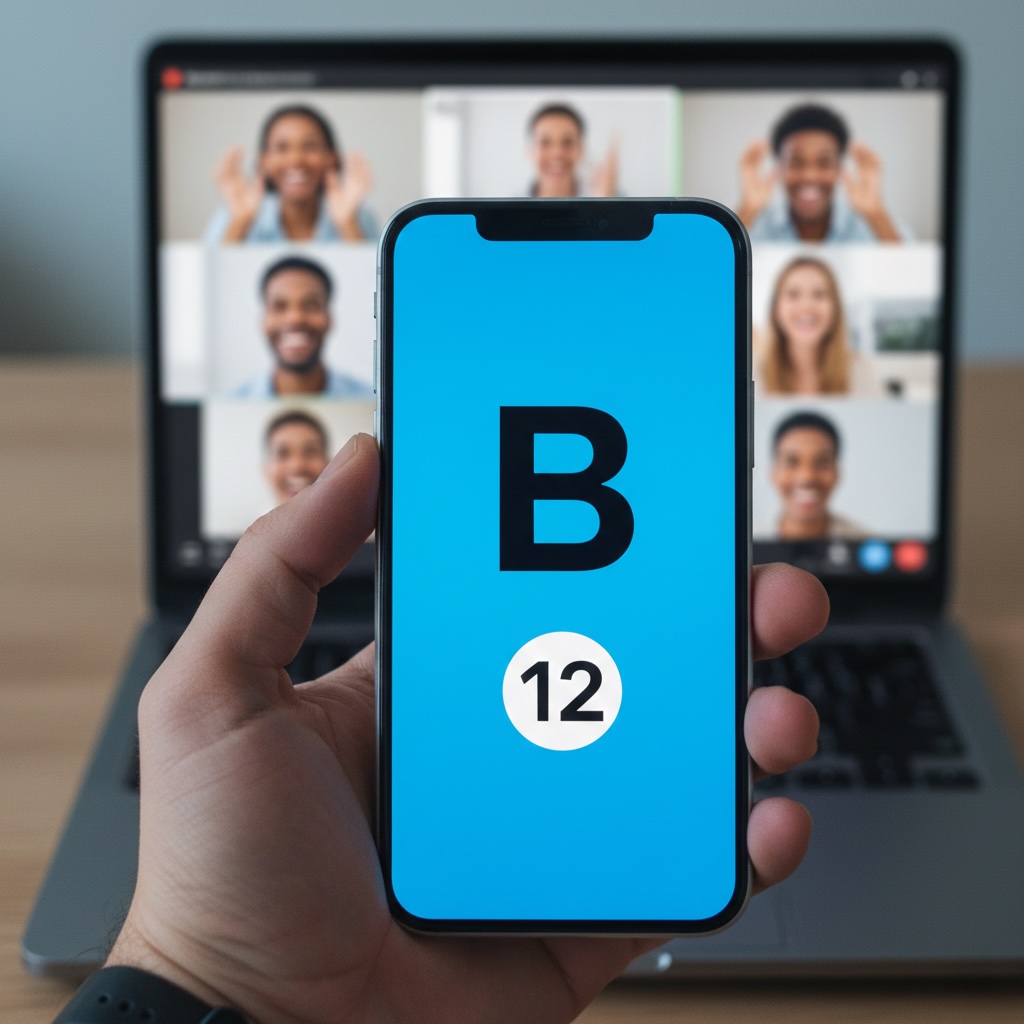
Option A: Screen share a random number generator
Just Google "random number generator 1-75" and share your screen. Simple but effective. Everyone can see the number being called.
Option B: Use a bingo calling app
There are free apps that'll call numbers and keep track of what's been called. Share your screen so everyone can see.
Option C: Manual calling (my favorite)
Write numbers on slips of paper, put them in a bowl, and draw them on camera. It's old school but adds a personal touch that people love.
Step 3: Set Up Your Video Call
Here's my setup checklist:
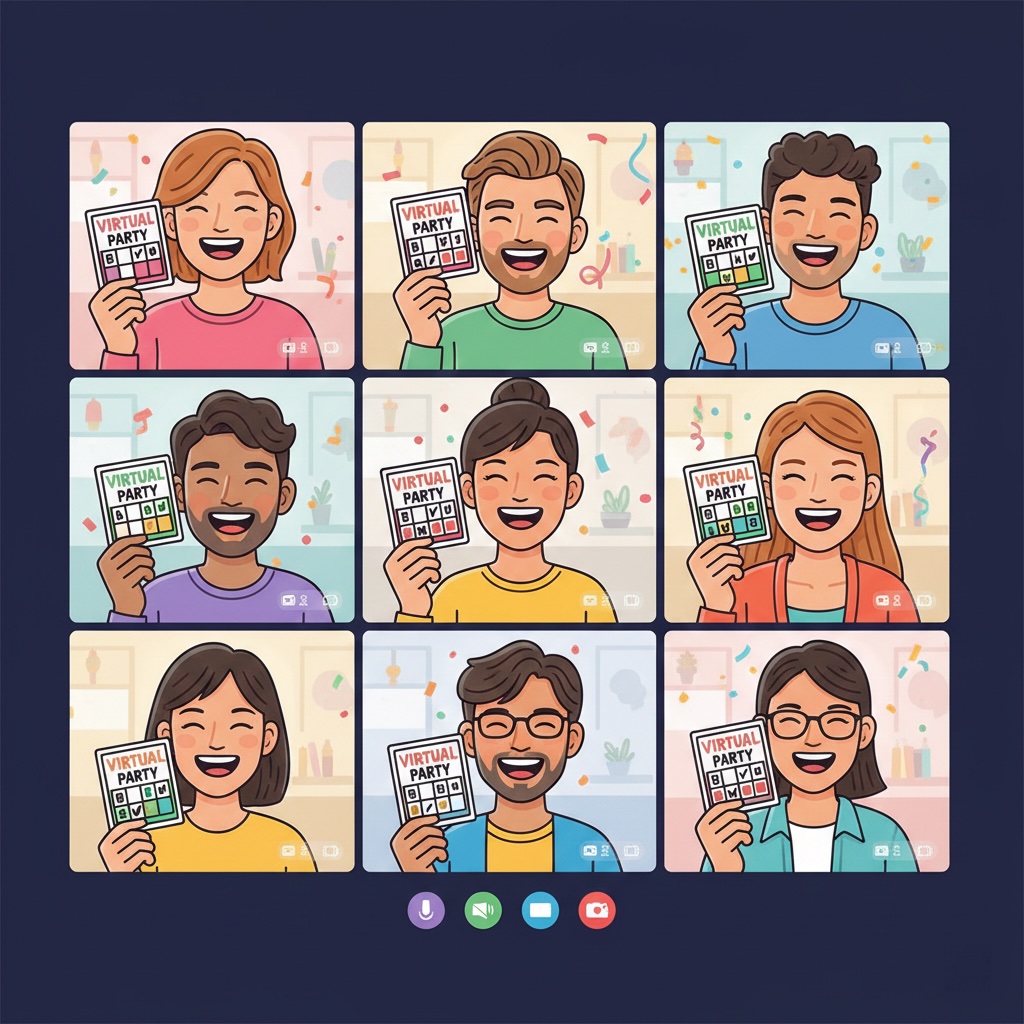
- Start the call 10 minutes early to handle tech issues
- Pin your video so everyone sees you calling numbers
- Test your screen share before people join
- Have the Zoom chat open for questions
- Consider using "Spotlight" feature to highlight winners
Step 4: Explain the Rules Clearly
Don't assume everyone knows how to play. I always do a quick 2-minute explanation:
"Hey everyone! Here's how this works: I'll call out numbers one at a time. Mark them on your card if you have them. First person to get five in a row—horizontal, vertical, or diagonal—shouts 'BINGO!' Then we'll verify your card and you win. Questions?"
Step 5: Start Playing!
Call numbers at a steady pace—not too fast, not too slow. I usually wait about 10 seconds between calls. Repeat each number twice ("B-7, that's B as in boy, 7"). Keep the energy up with commentary: "Ooh, that's a lucky number!" or "Anyone close to bingo?"
●How to Keep People Engaged
Here's the truth: people's attention spans are short on video calls. Here's how I combat that:
Keep games short (15-20 minutes max)
Nobody wants to sit through an hour-long bingo game on Zoom. I usually do 3-4 quick rounds instead of one long game.
Add music between rounds
Play upbeat music while people get ready for the next round. It fills the silence and keeps energy high.
Encourage camera-on participation
Seeing people's reactions makes it way more fun. When someone's close to winning, you can see the excitement on their face.
Use the chat for banter
People love typing "SO CLOSE!" or "COME ON B-12!" in the chat. It creates community even when you're all remote.
●Common Issues (And How to Fix Them)
😰 "I can't see the numbers!"
Solution: Make sure your screen share is set to "Optimize for video clip" in Zoom settings. Also, use a bigger font when displaying numbers—I use at least 72pt.
🤔 "Someone claims bingo but won't show their card"
Solution: Have them hold their card up to the camera or read out their winning row. I always verify before announcing a winner.
😴 "People seem bored"
Solution: Speed up the pace, add funny commentary, or switch to a different bingo pattern (like "four corners" or "X shape" instead of just straight lines).
📱 "Half the people are on their phones"
Solution: That's actually fine! Many people play bingo on their phone while watching on their computer. Just make sure they can still hear you calling numbers.
●Virtual Prize Ideas
Physical prizes don't work well for virtual events (shipping is a pain). Here's what does:

💳 Digital gift cards
Amazon, Starbucks, DoorDash—email them instantly to winners
🎬 Streaming subscriptions
1-month Netflix, Spotify, or Disney+ codes
🏆 Bragging rights
Custom Zoom background, "Bingo Champion" title for the week
💰 Charity donation
Donate $25 to winner's charity of choice in their name
●Quick Tips I Wish I'd Known Earlier
- →
Record the session so people who had tech issues can watch later
- →
Have a co-host to manage the chat while you call numbers
- →
Send a reminder email 1 hour before with the Zoom link and their card number
- →
Keep a list of called numbers visible on screen so people can double-check
- →
End on time—people appreciate when virtual events respect their schedule
●Ready to Host Your Virtual Bingo?
The hardest part is just getting started. Create your cards, send the invites, and have fun with it. Your first virtual bingo might not be perfect, but I promise it'll be better than another boring Zoom happy hour.
🎮Create Virtual Bingo CardsEditorial Board & Scientific Review
Sarah Jenkins
Lead Educational Specialist
Sarah holds a Master's degree in Curriculum and Instruction with over 8 years of classroom teaching experience. She specializes in gamified learning systems and active-recall pedagogical tools.
Dr. Alan Carter, Ph.D.
Mathematical Advisor & Reviewer
Dr. Carter holds a doctorate in Applied Mathematics, specializing in combinatorics and game theory. He verifies the randomness algorithms and probability statistics across all our bingo tools.
🛡️ Editorial Policy & Scientific Review Disclaimer
At Unlimited Bingo, all educational tools, game matrices, word databases, and probability statistics are designed by experienced educators and verified by mathematical experts. We maintain strict standards of accuracy, pedagogical validity, and algorithmic integrity to ensure our resources remain free, reliable, and mathematically sound for classrooms, remote workspaces, and family events.