Make Your Own Bingo Game: A DIY Guide
Everything you need to create custom bingo cards from scratch
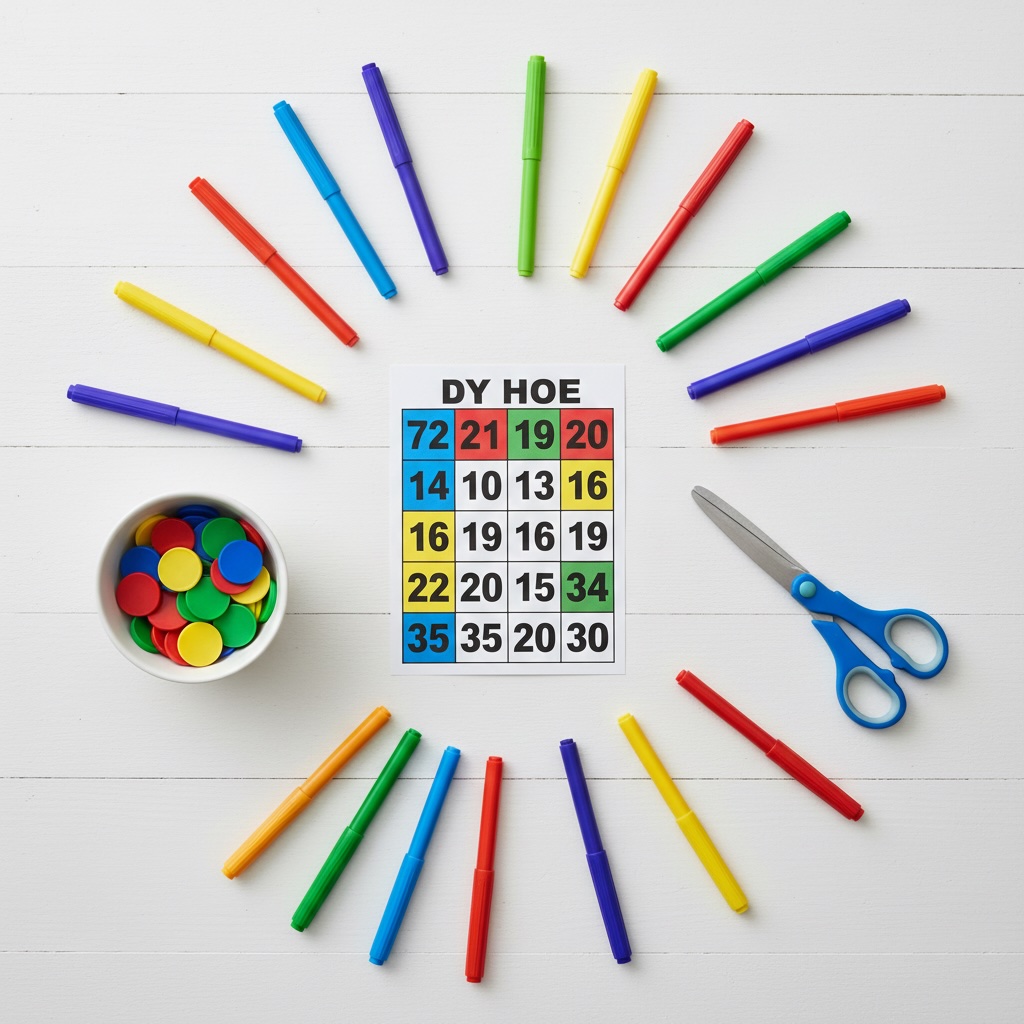
So you want to make your own bingo game? Great choice! Whether it's for a classroom activity, a family reunion, or just a fun Friday night with friends, creating custom bingo cards is easier than you might think.
I've been making bingo games for years—everything from baby shower themes to vocabulary practice for my students. The best part? You don't need fancy software or design skills. Let me walk you through it.
●What You'll Need
Before we dive in, let's gather your materials. The good news is you probably have most of this stuff already:
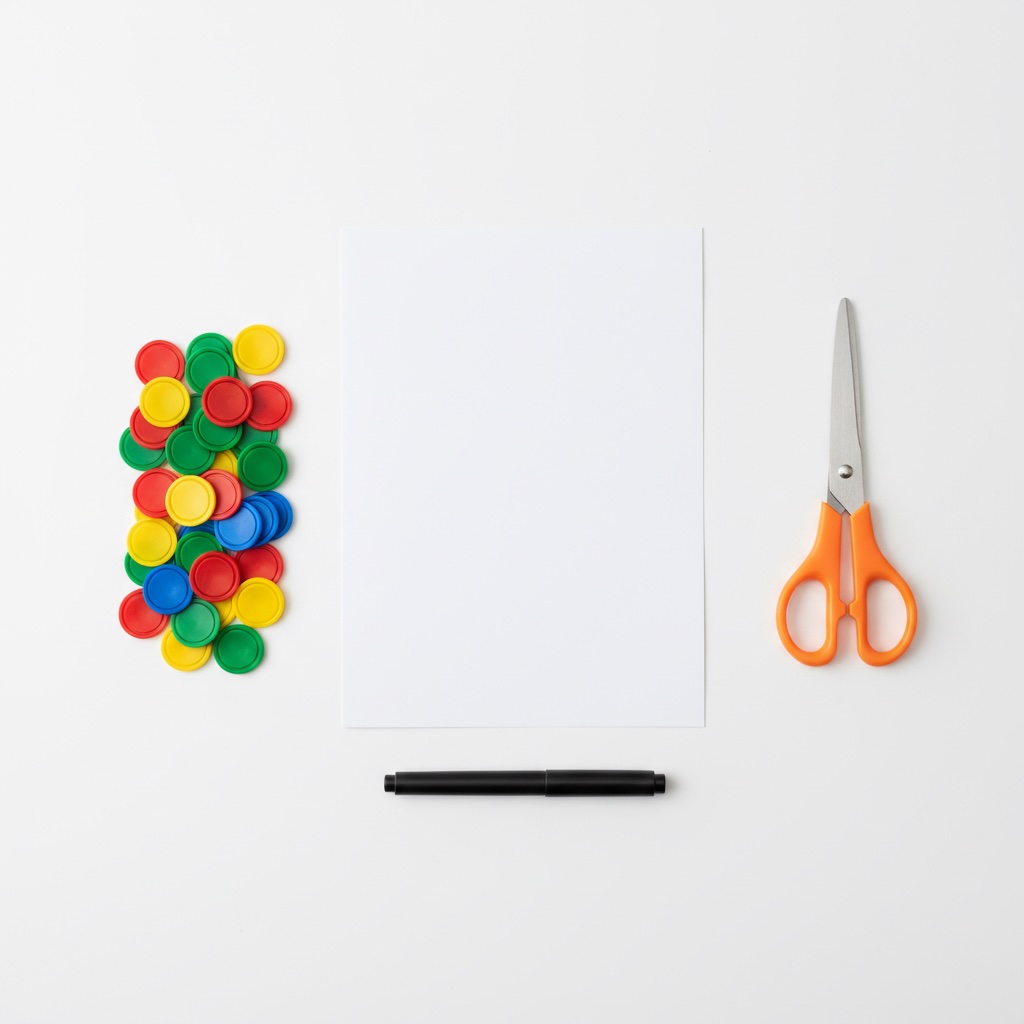
- 📄Cardstock or heavy paper— Regular printer paper works in a pinch, but cardstock feels more professional
- 🖨️A printer— Any home printer will do the job
- ✂️Scissors or paper cutter— For trimming your cards to size
- 🎲Markers or chips— Coins, buttons, or dried beans work great
●Step-by-Step: Creating Your Cards
Step 1: Choose Your Grid Size
The classic bingo card is 5×5, but don't feel locked into that. Here's what I recommend:
- 3×3 grids — Perfect for young kids or quick games (5-10 minutes)
- 4×4 grids — Great middle ground for most occasions
- 5×5 grids — Traditional bingo, ideal for longer games
Step 2: Pick Your Content
This is where it gets fun. What goes on your cards? Here are some ideas that have worked well for me:
Popular Themes:
- Numbers (1-75 for American style, 1-90 for UK style)
- Vocabulary words for language learning
- Baby shower predictions ("Will cry during speech")
- Holiday traditions ("Burnt the turkey")
- Office culture ("Someone's mic is muted")
Pro tip: You'll need at least 24 unique items for a 5×5 card (the center is usually a free space). I always make a list of 30-40 items so there's variety between cards.
Step 3: Design Your Layout
You've got a few options here:
- Option A:Use our free online generator — Honestly, this is the easiest way. Just paste your words, click randomize, and download a PDF.
- Option B:Microsoft Word or Google Docs — Insert a table, adjust the cell sizes, and manually type in your content. It's more work, but you have complete control over fonts and colors.
- Option C:Hand-drawn cards — If you're feeling crafty! Use a ruler to draw your grid on cardstock. This works great for small groups or when you want that personal touch.
Step 4: Randomize Your Cards
Here's the thing: every player needs a different card, or the game ends too quickly. If you're using our generator, this happens automatically. If you're doing it manually, you'll need to shuffle the order of your items for each card. Yes, it's tedious—that's why I built the generator!
Step 5: Print and Prepare
Time to bring your cards to life:
- Print on cardstock if possible (it's sturdier and feels more official)
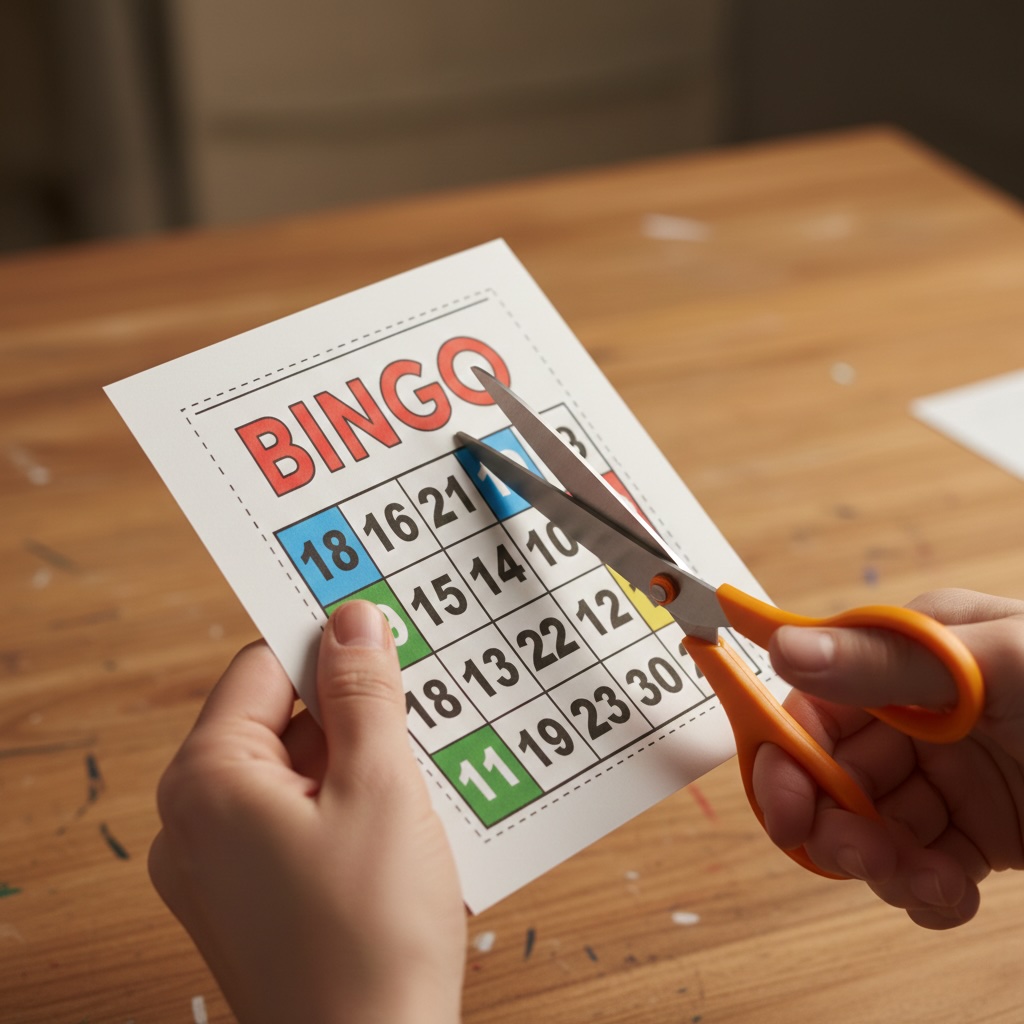
- Cut along the edges for a clean finish
- Consider laminating if you plan to reuse the cards
- Test one card before printing the whole batch
●Tips I Wish I'd Known Earlier
Make more cards than you think you need
I learned this the hard way at a party when three extra people showed up. Now I always print 20% more than expected.
Keep your font size readable
Especially for older players or kids. I use at least 18pt font, sometimes bigger for 3×3 grids.
Test your calling method
Whether you're drawing from a hat or using an app, practice calling a few items before the game starts. It helps you get comfortable with the flow.
●Ready to Get Started?
Making your own bingo game doesn't have to be complicated. Start simple, have fun with it, and don't stress about perfection. The best bingo games are the ones people actually play!
 🎮Create Your Bingo Cards Now
Editorial Board & Scientific Review
Sarah Jenkins
Lead Educational Specialist
Sarah holds a Master's degree in Curriculum and Instruction with over 8 years of classroom teaching experience. She specializes in gamified learning systems and active-recall pedagogical tools.
Dr. Alan Carter, Ph.D.
Mathematical Advisor & Reviewer
Dr. Carter holds a doctorate in Applied Mathematics, specializing in combinatorics and game theory. He verifies the randomness algorithms and probability statistics across all our bingo tools.
🛡️ Editorial Policy & Scientific Review Disclaimer
At Unlimited Bingo, all educational tools, game matrices, word databases, and probability statistics are designed by experienced educators and verified by mathematical experts. We maintain strict standards of accuracy, pedagogical validity, and algorithmic integrity to ensure our resources remain free, reliable, and mathematically sound for classrooms, remote workspaces, and family events.